
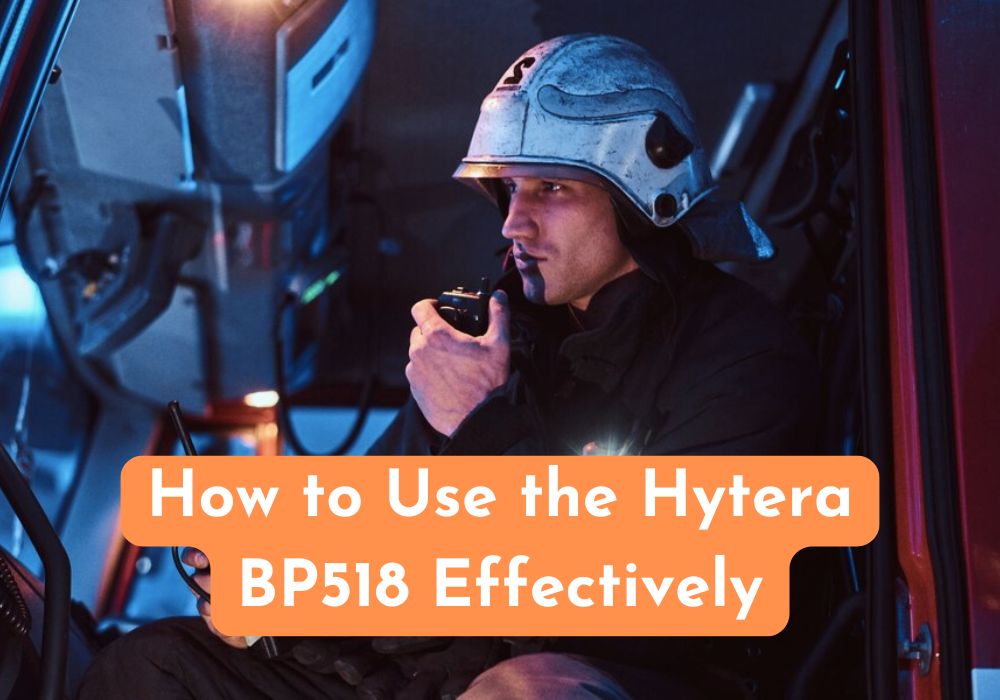
The Hytera BP518 is a compact, durable two-way radio designed for reliable communication in various industries such as security, hospitality, construction, and logistics. With its professional-grade features and ease of use, it’s important to understand how to operate and maintain it effectively to get the most out of this device. Here’s a comprehensive guide to using the Hytera BP518 efficiently.
1. Understand the Device’s Features
Before using the BP518, get familiar with its key features:
- UHF Frequency Band (400–470 MHz)
- Digital and Analog Modes
- Voice Annunciation
- Battery Life of Up to 18 Hours
- IP54 Dust and Water Resistance
- Emergency Alarm and Lone Worker Function (varies by model)
2. Initial Setup
a. Charge the Battery Fully
- Use the provided charging dock or USB-C cable.
- Charge the radio for at least 4–5 hours before first use.
b. Attach the Antenna and Belt Clip
- Screw the antenna on securely.
- Attach the belt clip using the screws provided.
c. Insert the Battery
- Slide the battery into the back compartment until it clicks into place.
3. Basic Operation
a. Power On/Off
- Turn the volume knob clockwise to power on the device.
- Turn counterclockwise until it clicks to power off.
b. Adjust Volume
- Rotate the volume knob to the desired level.
c. Select a Channel
- Use the channel knob to switch between preset channels. Each channel can be pre-programmed for different groups or purposes.
d. Transmit and Receive
- Hold the PTT (Push-to-Talk) button to speak.
- Release it to listen.
Tip: Speak 2–3 inches from the microphone for clear audio transmission.
4. Use Digital Features Wisely
The BP518 supports both analog and digital communication. Digital mode offers better audio quality, longer range, and enhanced privacy.
- Digital Voice: Clearer communication, especially in noisy environments.
- Private Call or Group Call: Use programmed settings to make calls to specific users or groups.
5. Programming Channels (Optional for Admins/Techs)
Channels can be customized using Hytera’s programming software:
- Use a USB programming cable and Hytera CPS (Customer Programming Software).
- Assign functions to side buttons (e.g., emergency alert, monitor).
- Set up channels for analog, digital, or mixed-mode.
Note: Programming should be done by authorized personnel or IT teams.
6. Care and Maintenance
- Clean Regularly: Wipe with a soft, damp cloth. Avoid chemical cleaners.
- Avoid Drops and Water Immersion: Though rated IP54, it’s not waterproof.
- Store Properly: Keep in a cool, dry place when not in use.
- Update Firmware: Check Hytera’s website for firmware updates to enhance performance.
7. Common Troubleshooting
| Issue | Solution |
| No power | Check battery connection and charge level. |
| Poor audio quality | Ensure microphone isn’t blocked. |
| Can’t transmit/receive | Confirm on same channel/frequency as others. |
| Battery drains quickly | Disable unnecessary functions like scan mode. |
8. Best Practices
- Label your radios and channels for easy identification.
- Use earpieces or remote speaker mics in high-noise areas.
- Train your team on radio etiquette and basic troubleshooting.
- Perform weekly checks on battery life and channel settings.
Final Thoughts
The Hytera BP518 offers dependable communication when used properly. By learning its features, maintaining it well, and following best practices, you can ensure clear, effective team communication across any environment.